

Review: Thunderbird 3.0
- Article 83 of 89
- MacFormat, April 2010
An open source alternative to Mail that gives with one hand and takes away with the other
Chances are, you’re using OS X's Mail application to get your emails. But just as the open source Firefox has features that can tempt a Safari user, so the latest version of its cousin, Thunderbird, might tempt a Mail user.
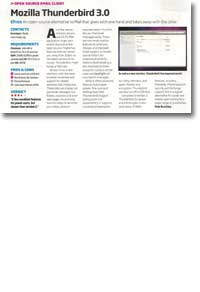
Version 3 has a new interface, the same brushed metal look with support for tabbed windows that Firefox has. These tabs can display not just email messages, but folders, searches and even web pages. An archiving function helps to declutter your inbox while an improved search function lets you find email messages easily. There are now smart mailbox features so you can unite your inboxes and improved Gmail support, so Gmail's special folders are understood correctly. Address-book handling is also improved so that Snow Leopard's contacts can be used, and Spotlight can now search messages.
Although it offers advanced features that allow greater fine-tuning of settings than Mail, the biggest selling point of Thunderbird is its expandability. Thunderbird has hundreds of extensions that can improve its functionality. Although some don't yet work with version three, these include calendars, anti-spam, themes and encryption. Thunderbird can also run off a USB stick so it doesn't need to be installed on the target machine.
Compared to version two, Thunderbird 3 is slower and a little uglier. It also lacks many of Mail’s features, including MobileMe, iPhone account-syncing and Exchange support. But it is a good alternative for power and mobile users who need Thunderbird’s other features or who like to customise.